Get the base right
Set exposure and white balance, recover tonal detail, and refine structure before the film finish.
Exposure
Temperature
Clarity
Adjust light and color, apply film-emulation profiles, then refine grain and halation. Grainloom works locally and exports at full resolution.
No uploads. Your photos stay on your device.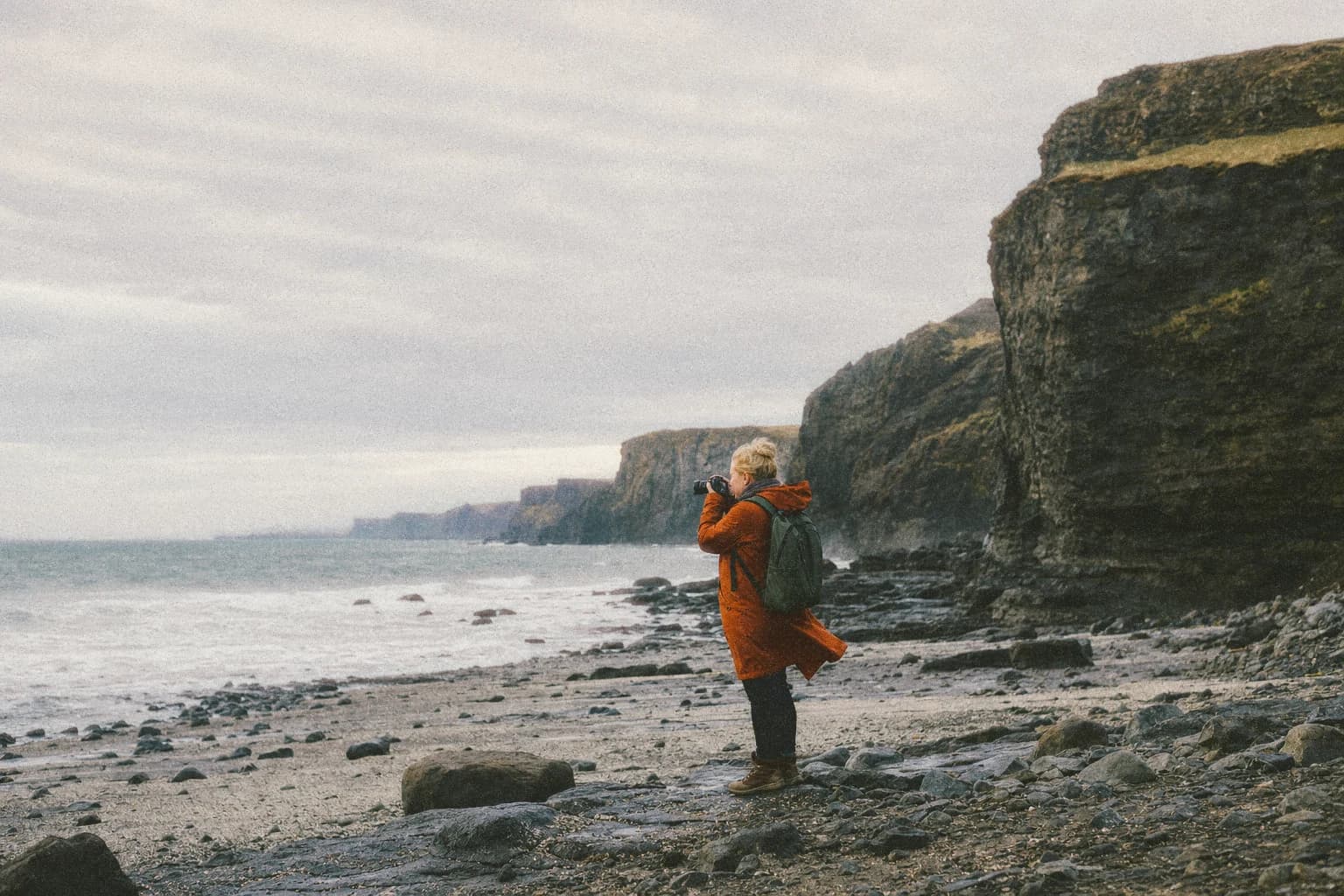 31%
31%Get the tonal edit right, choose a film response, then finish with grain, halation and detail.
Set exposure and white balance, recover tonal detail, and refine structure before the film finish.
Browse bundled negative, slide, instant and monochrome profiles, then control how strongly they shape the image.
 NegativeSlideMonochrome
Tune source-space grain, photographic halation and detail while keeping the finish stable across zoom levels.
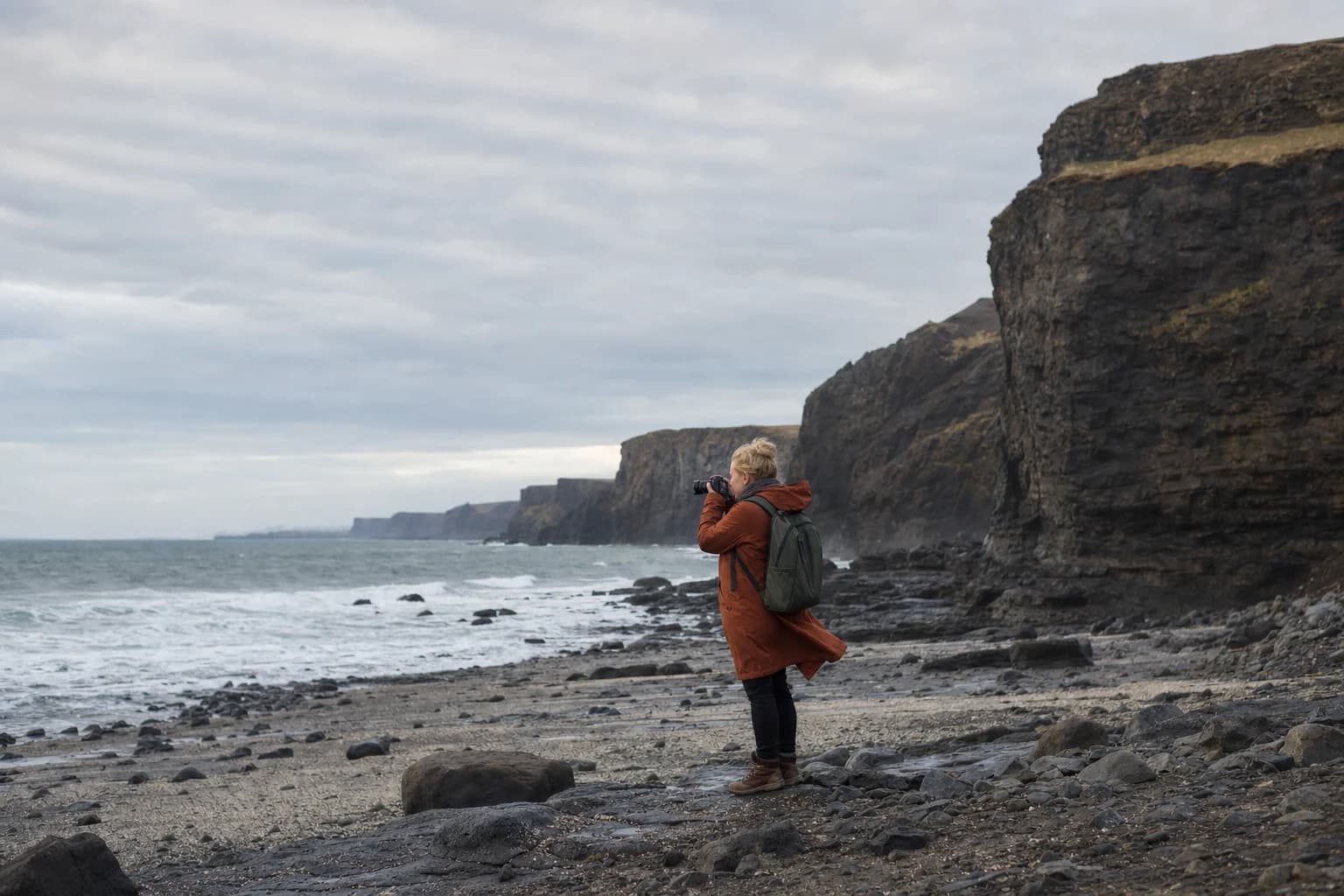 Original cropFinished crop · 100%Digital originalGrainloom finish
Drag across the photograph to compare the digital original with the finished version. Preview and export use the same underlying rendering pipeline.
A preset can contain the complete edit or only selected modules. Apply a grain recipe without replacing exposure, or reuse a color foundation while leaving the rest of the edit untouched.
Photos are decoded, edited and stored locally in your browser. They stay on your device unless you export or remove them.
No. Grainloom decodes, processes and stores working photos locally in your browser.
You can export finished photos as JPG, PNG or TIFF, including full-resolution output.
Imported photos and their settings are kept in browser storage so you can return to the same local editing session.
Yes. The touch interface includes bottom tool panels, pinch-to-zoom, image swiping and a mobile crop workflow.
Yes. Choose the exact modules and settings a preset stores; unrelated adjustments remain unchanged when you apply it.